Docs menu
Getting started
Install and run your first test Point-and-click test creation Element tests vs URL split testsPrivacy and data
What the plugin storesInstall AB Test WP and run your first test
From zero to a running experiment in a few minutes.
 Written by Aleksandar Simov · Updated · 2 min read
Short answer
Install AB Test WP from Plugins > Add New, activate it, and open any page while logged in. Click A/B Tests in the admin bar, click the element you want to test, type the second version, pick a goal and start. No account, key or external service is needed. It runs on WordPress 6.0+ and PHP 7.4+.
Install and activate
Install the plugin from Plugins → Add New in your WordPress dashboard (search for "AB Test WP"), activate it, and you'll find an AB Test WP item in the admin menu and an A/B Tests menu in the admin bar. No account, key, or external service is needed. It needs WordPress 6.0 or newer and PHP 7.4 or newer, and works on multisite one site at a time.
Your first test, point and click
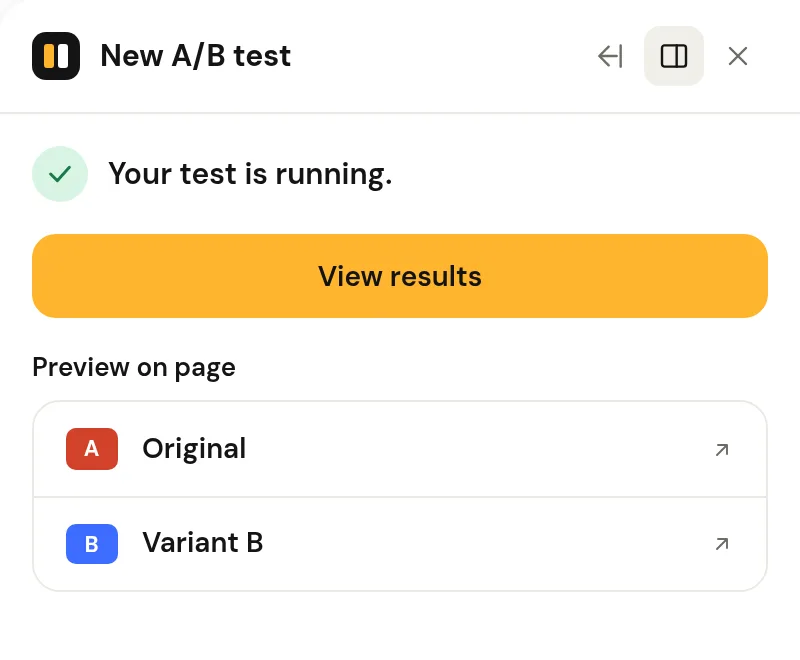
The fastest first test is point-and-click: open the page you want to improve, click A/B Tests in the admin bar, click the element (say, your hero headline), type an alternative wording, pick a goal and start. The plugin handles assignment, anti-flicker and recording. Prefer your builder? Create the test in the dashboard and paste the generated class into the builder's CSS-class field instead.
Plan the sample before you start
Before starting, open the built-in sample-size planner so you know how many visitors the test needs, then leave it running for whole weeks until you reach that number.
Want the longer read? See the full step-by-step guide on the blog, or browse all docs.
Common questions
Do I need an account or an API key to start?
No. The free plugin runs entirely on your own WordPress install. An AI key is only needed if you want copy suggestions, and it is your own key, entered in Settings.
Which WordPress and PHP versions does it need?
WordPress 6.0 or newer and PHP 7.4 or newer. It works on multisite, one site at a time.
How many visitors should my first test have?
Open the built-in sample-size planner before starting and run the test for whole weeks until you reach that number. Under 100 visitors, Free shows "Collecting data".
Was this page helpful? Yes · NoEdit or report a problem
Ready to test it yourself?
Free, cookieless, no traffic limits, on any builder or theme.