Free tool
Sample ratio mismatch (SRM) checker
Check your A/B test for sample ratio mismatch - the silent bug that makes results untrustworthy. Enter how many visitors landed in each variant and the split you configured.
-
Enter your visitor counts above.
Your inputs are saved in the page address.
How to read this
If you configured a 50/50 split, you'll never get exactly 50/50 - randomness guarantees small imbalances. The question is whether your imbalance is too big to be random. This checker runs a chi-squared test against your expected split and answers in plain language.
Worked example: 10,000 visitors in A and 10,150 in B on a 50/50 split (49.6% / 50.4%) is healthy: an imbalance that size happens by chance roughly a third of the time (p ≈ 0.29). But 10,000 vs 11,000 gets flagged red: with 21,000 visitors, a 47.6/52.4 split is wildly outside random variation (the chi-squared statistic is about 48; the odds of that by chance are far below one in a million), and something - a redirect, a caching rule, bot filtering - is steering traffic.
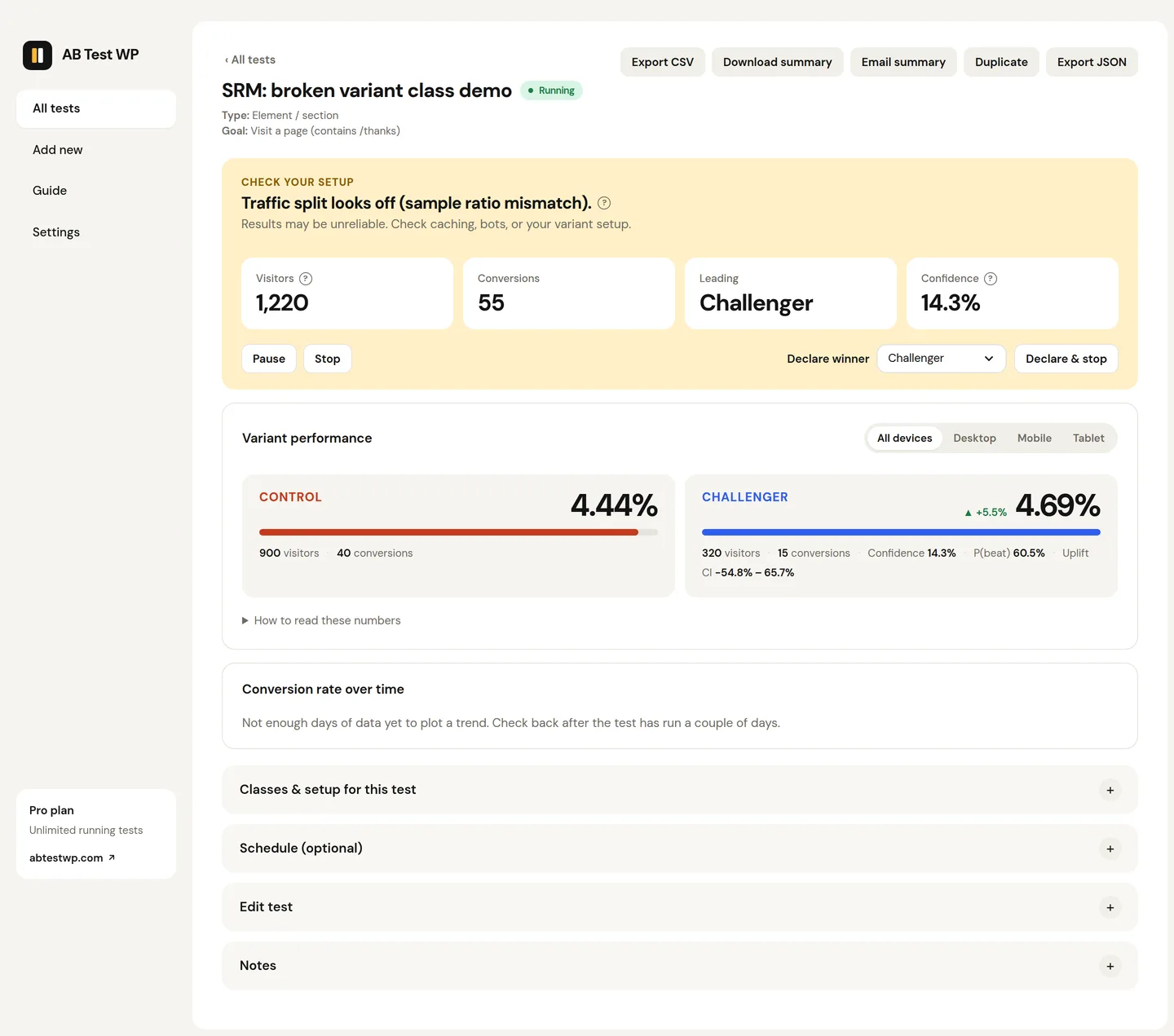
SRM matters because a broken split usually means a biased split: the missing visitors aren't random, so conversion rates from both arms are polluted. When SRM is detected, the standard advice is to find the cause and restart - not to keep the data. AB Test WP Pro runs this check automatically on live tests and alerts you, so a broken test never quietly misleads you for weeks.
Related reading: how long to run an A/B test and A/B testing statistics made simple.
FAQ
Questions
What is sample ratio mismatch (SRM)?
SRM is when the traffic split you observe differs from the split you configured by more than chance allows - say 47/53 on a large test set to 50/50. It signals that assignment itself is broken, which biases both arms and invalidates the results.
What usually causes SRM?
The common culprits: a redirect or caching layer serving one variant more often, bot traffic concentrating in one arm, uneven filtering or targeting rules, and variant pages that error for some visitors. Fix the cause, then restart the test fresh.
Can I keep the data if I fix the cause?
No - the standard practice is to discard it. The missing visitors weren't random, so the collected conversion rates are biased in ways you can't correct after the fact. Restarting costs less than shipping a wrong conclusion.
Catch broken tests automatically
AB Test WP Pro checks every live test for SRM on an hourly schedule and emails or Slacks you once a split looks wrong, as soon as you switch alerts on in Settings.